
Synology NAS Master Hub
The Private Home Cloud for Photos, Backups & Media
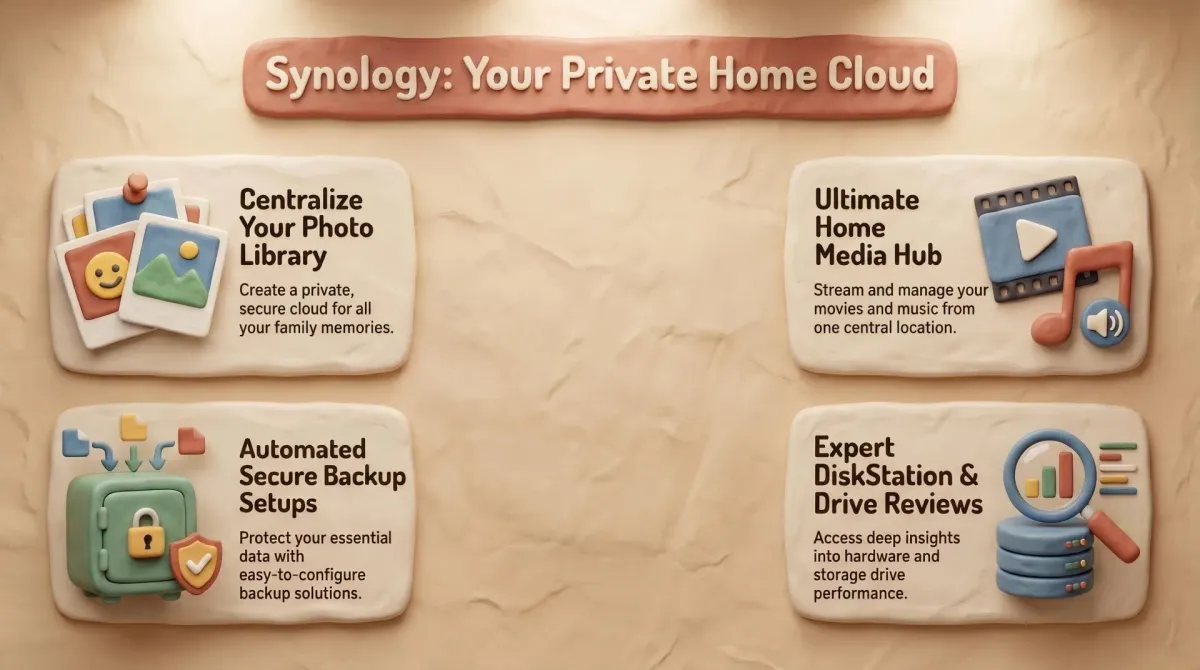
Welcome to the Dadnology HQ for the Synology NAS. This is the box that quietly runs the digital backbone of our house — the photo vault, the document backup, the house-wide network drive and the family media server, all in one low-power appliance that just sits on a shelf and works.
For a photographer, a NAS isn't a luxury, it's insurance. This hub pulls together everything we've learned from more than a decade of running Synology: which DiskStation to buy, which drives belong inside it, and — the part most people get wrong — how to back the thing up properly. Because two drives in a NAS give you redundancy, not a backup.
🧭Synology NAS: Where to Start
🎛️The Golden Rule of NAS Ownership
Two drives in SHR or RAID 1 protect you against one drive failing. They do NOT protect you against deletion, ransomware, fire or theft. A NAS is your working copy — it still needs a separate, external backup you keep off the device. Get that right and your photos are genuinely safe.
★ Featured Picks
Synology DS225+ (2-Bay Diskless NAS)
The 2025 2-bay DiskStation. Intel CPU with hardware transcoding, DSM software and Synology Photos — the heart of a private home cloud.
Seagate IronWolf 8TB NAS HDD
NAS-rated for 24/7 RAID duty. Run two for SHR/RAID 1 redundancy so a single drive failure is a five-minute swap, not a crisis.
WD Elements 8TB Desktop External Drive
The full off-NAS backup. Mirror the whole DiskStation, then unplug it so one power surge can't take both at once.
WD Elements 5TB Portable Drive
The portable copy of your most irreplaceable photos — small enough to live in a drawer or leave the house for true off-site safety.
Synology NAS: Every Review
Explore every entry in the franchise.