
Apple Vision Pro 2 Is Here — Why It Matters for Dads and Families
Apple’s second-gen Vision Pro focuses on clarity, smoothness, and comfort — promising better movies, gaming, and portable multi-monitor work via Mac Virtual Display.
This post contains affiliate links. We may earn a commission if you make a purchase, at no extra cost to you. As an Amazon Associate, Dadnology earns from qualifying purchases.
🚀 Release Day, Finally
🥽 This story is part of our Apple Vision Pro Hub — Mac Virtual Display workflows and the accessories that actually help at work and home.
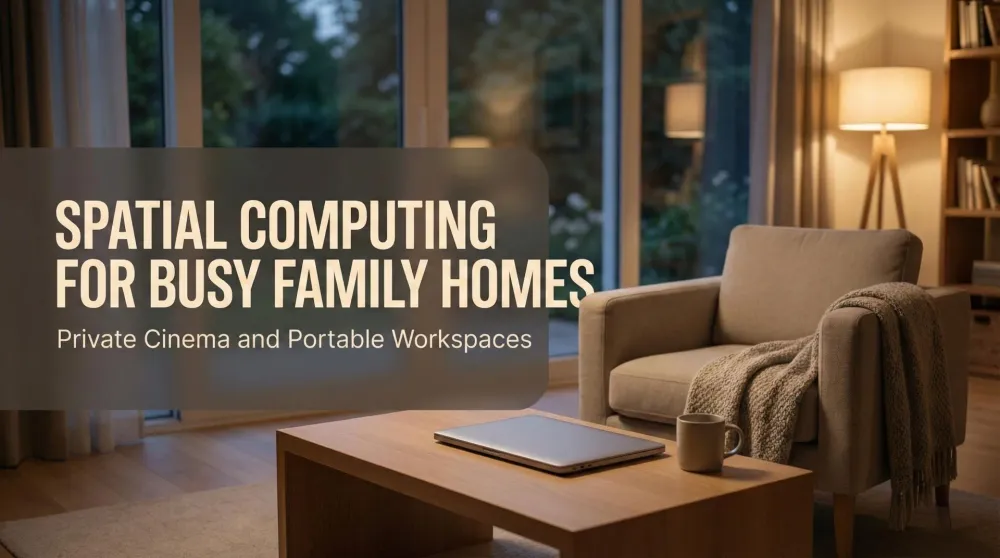
Apple’s second-generation Vision Pro is official, and it targets a simple goal: make spatial computing easier to enjoy every day. The new model keeps the premium glass-and-aluminum look but focuses on three pillars that matter in family life: clarity, smoothness, and comfort. For households where the living room doubles as a shared space, a headset that becomes a private cinema or a full desk—without rearranging furniture—has obvious appeal.
From a Dadnology perspective, this is less about chasing specs and more about solving real constraints at home.
🧵 Comfort Comes First
The updated Dual Knit Band is designed to spread weight and reduce pressure points, a frequent friction for longer sessions. That kind of comfort upgrade rarely grabs headlines, yet it often determines whether a device gets used on weeknights after the kids are asleep. Quick, repeatable fit adjustments should also make it easier to hand the headset to another family member without fiddly re-tuning.
Comfort isn’t glamorous, but it’s what turns an impressive demo into an everyday habit.
🎥 Movie Nights, Minus Compromise
The draw for many readers is simple: does this make films look and feel better when the TV isn’t available or you want a more personal experience? With sharper micro-OLED panels and motion handling tuned for sustained viewing, Vision Pro 2 is positioned to deliver subtler shadow detail, crisper subtitles, and less visual fatigue. That’s exactly what elevates a late-night movie from “good enough” to genuinely cinematic—quietly, consistently, without asking for more living-room real estate.
🎮 Gaming in Real Life, Not in Theory
Most parents don’t get marathon sessions; they get ten to forty minutes. Smooth motion and legible UI text matter more than raw benchmark scores when you’re fitting play around family schedules. Vision Pro 2’s focus on clarity and responsiveness is aimed at making short sessions feel satisfying instead of compromised. It’s the difference between “maybe later” and “I’ve got time for one more run.”
As a point of context from our own gear:
We own a Meta Quest 3 and rate its value highly. Early reports suggest Vision Pro’s micro-OLED path could deliver superior clarity and text legibility; we’ll verify that in a full review once retail units are available.
🖥️ A Desk That Disappears When You’re Done
The standout productivity idea remains Mac Virtual Display. Pair Vision Pro with a MacBook or Mac mini and you get large, private monitors on demand—no extra stands, no permanent footprint. For families balancing work zones and play zones in the same room, that flexibility is the whole point. Window density and cursor stability are exactly the kinds of quiet refinements that can turn “interesting” into “I actually shipped work this way.”
When you finish, the setup vanishes with the band. No cable nests. No compromise.
AdApple MacBook Pro (2025, M5) (opens in a new tab)
Next-gen M5 power in a pro-grade notebook—built for heavy creative work, fast builds, and smooth multitasking. Brilliant display, premium build, and all-day portability for serious workflows.

📷 Photographers’ Corner: Faster Culls, Calmer Eyes
Photo culling and pre-edits are where clarity pays rent. Cleaner edges and stable text make it easier to review hundreds of frames, compare near-duplicates, and make keep/reject calls without subtle eye strain. While color-critical finishing still belongs on a calibrated panel, the pre-edit phase is where time is saved. A “floor-to-ceiling” virtual light table that doesn’t occupy the living room is the kind of workflow upgrade many readers have been waiting for.
🔌 Practicalities That Matter
Battery packs, fit, lighting—practical details decide whether a device earns daily use. Vision Pro 2 leans into quieter operation, simpler setup, and compatibility with optical inserts and common accessories. None of this is headline-grabbing, yet together they reduce friction. The promise here isn’t one magical spec; it’s a hundred little things that make a Tuesday night session feel effortless.
AdApple Mac mini (M4) (opens in a new tab)
Blazing M4 performance in an ultra-compact, whisper-quiet desktop. Perfect for creators, developers, and home studios—powerful enough for pro workflows, small enough for any setup.
🆚 Where It Fits in 2025
- Movie lovers get a private big-screen without negotiating for the TV.
- Parents get responsive visuals and readable HUDs in short sessions.
- Mac users gain multi-monitor space without dedicating furniture to it.
- Creators/photographers benefit from crisp text and reduced fatigue in pre-edits.
Quest 3 remains a superb value and a playful mixed-reality entry point. Vision Pro 2 aims at the premium experience where fidelity and focused workflows take priority.
💸 Price, Availability, and What’s Next
Vision Pro 2 is a premium device and remains priced accordingly. For many homes, value will hinge on time actually used: movie nights, quick games, and portable work. That’s the bar we’ll measure against in our full review once we’ve spent time with the retail model.
Until then, this launch marks a meaningful step toward private cinema + portable desk for families who need both—without claiming the living room.
Pros
- Sharper micro-OLED image with cleaner text and edges
- Smoother motion tuned for sustained viewing and short play sessions
- Dual Knit Band comfort for longer, pressure-free use
- Mac Virtual Display enables large, private monitors without clutter
- Promising for photo culling and pre-edits
Cons
- Premium pricing remains a hurdle
- Battery pack logistics for extended sessions
- Content library still differs from traditional console catalogs
🗣️ Dadnology Take
Vision Pro 2 isn’t just about higher specs; it’s about making great screens appear when and where families need them—and disappear afterward. If your living room doubles as a workspace, or you want reliable late-night cinema without compromise, this is the most compelling direction we’ve seen. We’ll share a complete, hands-on review after retail units ship; for now, this looks like the clearest path to premium movies, quick gaming, and a tidy, portable desk.
Related Dadnology review: our original Apple Vision Pro review covers everything that carries over to Vision Pro 2.
❓ FAQ
Is it officially called Vision Pro 2?
What’s the biggest upgrade for everyday use?
Can it replace a desk setup?
Keep this in your inbox
One email a week: what we actually watched, built and reviewed — the stuff worth a dad's time. No hype, no daily spam.
Dadnology Weekly
One email a week: the LEGO, gaming and movie news worth a dad's time — plus what we actually reviewed. No hype, no daily spam.
Disclaimer: This review and its visuals were created with the help of AI. Some links may be affiliate links – we may earn a commission if you make a purchase, at no extra cost to you.
You might also like
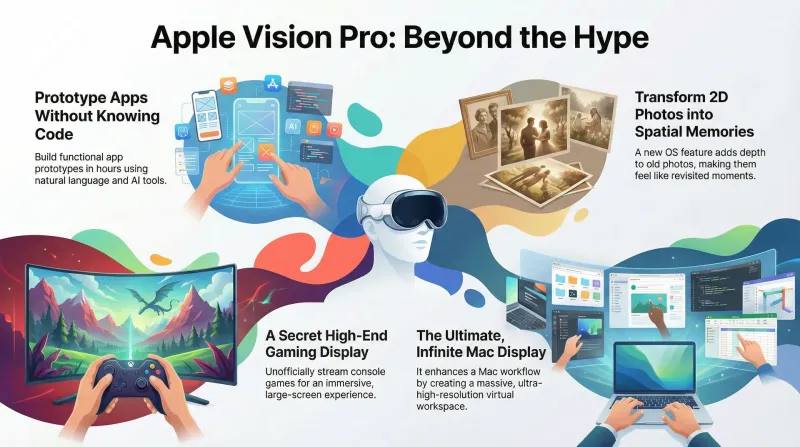
Beyond the Hype: 7 Mind-Bending Truths I Uncovered About the Apple Vision Pro
Beyond the marketing, seven mind-bending truths reveal what the Apple Vision Pro really is: a prototyping engine, a gaming display, a spatial memory machine, the ultimate Mac accessory, a parenting focus hack, a travel productivity tool, and a platform that improves with time.
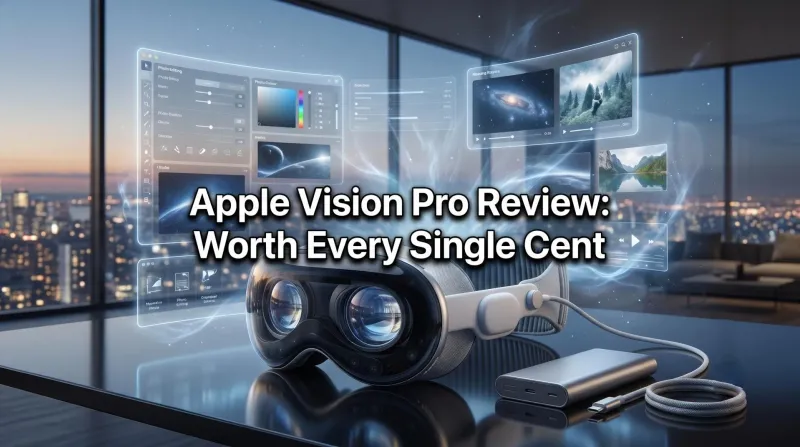
Apple Vision Pro Review: The Future, Worth Every Cent
The Vision Pro is the most fascinating product I've ever bought. Its core use case — watching films — is unmatched: 2D movies on a cinema-sized screen, the best 3D viewing of my life, and Apple Immersive Video that gives genuine goosebumps. It's also a vast spatial Mac workspace and an incredible gaming display via a capture card. The one real downside is that it's a solo experience. Everything else is perfect. Worth every cent — a 5/5.
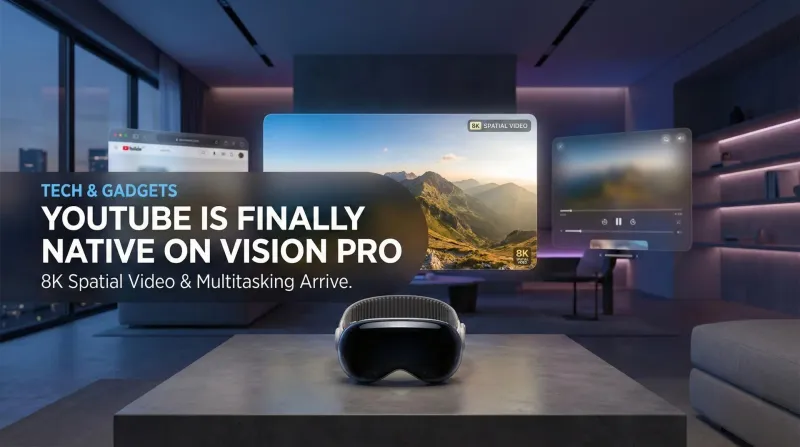
YouTube is Finally Native on Apple Vision Pro: Here is Why It Changes Everything
No more Safari workarounds. Google has finally released the native YouTube app for visionOS. Here is a breakdown of the 8K, 360°, and multitasking features.