
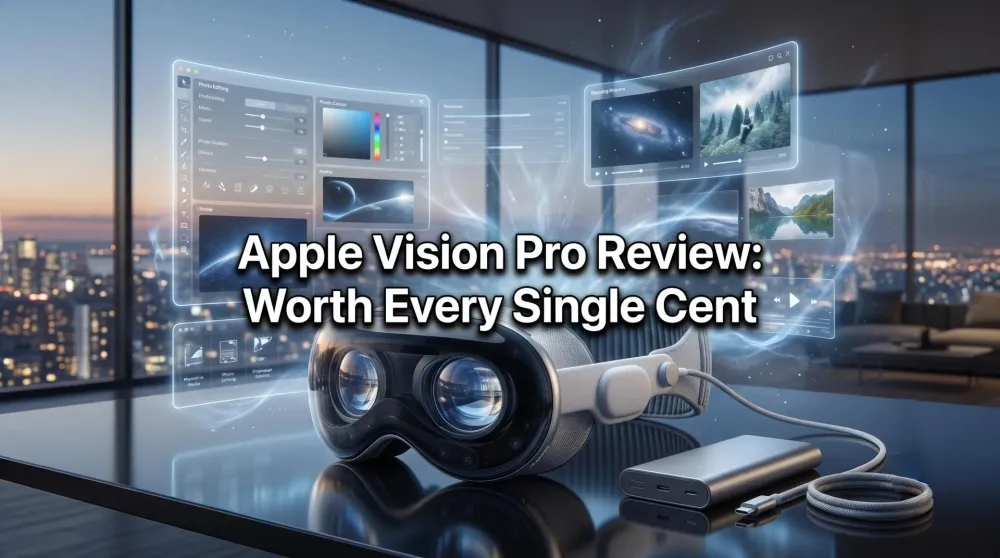
Apple Vision Pro Review: The Future, Worth Every Cent
The most fascinating product I've ever bought. Cinema, 3D, Apple Immersive, work and gaming — the Vision Pro is worth every cent. Our 5/5 review.
This post contains affiliate links. We may earn a commission if you make a purchase, at no extra cost to you. As an Amazon Associate, Dadnology earns from qualifying purchases.
🛠️ This review is part of the Best Tech for Dads – explore the gear that actually survives family life.
The Apple Vision Pro is the most fascinating product I have ever bought. I want to put that on the table before anything else, because it cuts through the noise. We have a lot of Vision Pro coverage on Dadnology — a guide to Mac Virtual Display, an accessories essentials list, and a deep-dive into the mind-bending truths of living with one — but somehow we never wrote the actual review. So here it is. The verdict, up top: a 5/5, and worth every single cent.
AdApple Vision Pro (opens in a new tab)
The most fascinating product I've ever owned. A private cinema, a 3D and Apple Immersive theater, a vast spatial Mac workspace, and a gaming display unlike anything else. Sadly not available on Amazon — buy direct from Apple.

This is a hyped product, and hype usually makes me suspicious. But the Vision Pro is the rare case where the experience outruns the marketing. It does something no other device I own can do: it gives you an experience that simply isn’t possible any other way. For the Dadnology community, this is the most exciting piece of technology we’ve tested — and the one that genuinely feels like the future arriving early.
A note before we go further: you can’t buy the Vision Pro on Amazon, which is unusual for us — almost everything we link is one click away there. For the headset itself you’ll need to go direct to Apple. The accessories, though, are all on Amazon, and a few of them are genuinely essential.
Use Case One: The Private Cinema (This Is the Whole Point)
If you take one thing from this review, take this: the Vision Pro’s core use case is watching films, and at that, it is unmatched. Nothing else comes close.
Start with ordinary 2D movies. The headset drops you into a private cinema with a screen the size of a building — a perfect, enormous picture floating in a dark room you control completely, with no one talking, no one’s phone lighting up, no compromise. It is, functionally, the best seat in the best cinema, every single time, in your own home.
Then there’s 3D, and here I have to confess a lifelong bias: I have always loved 3D films. In the home cinema, 3D was always a wonderful experience for me — but it was also fiddly, and the quality varied. On the Vision Pro it is both easier and better. The Spider-Verse films are jaw-dropping. The Lord of the Rings trilogy is monumental. The Avengers films, animated movies — they all look simply fantastic, with a depth and clarity my home setup could never match, and none of the hassle. It’s the 3D experience I always wanted, finally delivered properly.
And then there’s the format that has no equal anywhere else: Apple Immersive Video. If you want to understand what this device is truly capable of, read our review of Real Madrid: The Weight of Greatness — an immersive film that places you pitch-side at the Bernabeu with 80,000 fans roaring around you. It gives genuine, involuntary goosebumps. This is the content that justifies the entire product, and my one real hope for the future is that Apple keeps making more of it.
AdApple AirPods Pro (3rd generation) (opens in a new tab)
The audio pairing for the Vision Pro. Lossless, low-latency spatial sound that wraps around you — essential for films and Apple Immersive Video where the soundstage is half the magic.
For the full effect, pair it with AirPods Pro 3. The lossless spatial audio is half the magic — the soundstage wraps around you exactly the way the picture does.
Vision Pro vs Meta Quest 3: The Honest Comparison
The obvious question is whether you really need to spend Vision Pro money when the Quest 3 exists. I’ve used both, and the answer depends entirely on what you want. As I cover in our Meta Quest 3 review, the Quest is genuinely brilliant and a fraction of the price. But for media consumption — the thing that matters most to me — it simply is not in the same class.
| Feature | Apple Vision Pro | Meta Quest 3 |
|---|---|---|
| Display quality | Micro-OLED, reference-class | Very good LCD, not in the same league |
| Media consumption | Unmatched — the whole point | Good, but a clear step down |
| Apple Immersive Video | Exclusive, goosebump-inducing | Not available |
| Mac / productivity | Seamless spatial workspace | Limited |
| Price | Premium | Far more affordable |
| Verdict | The media king | The brilliant value pick |
So if you want the best possible screen for films, 3D, and immersive content, the Vision Pro wins decisively. The Quest 3 is the smart pick if budget is the deciding factor — but you are accepting a real drop in quality where it counts most.
Use Case Two: The Infinite Mac Workspace
The second reason I reach for the Vision Pro is work, and specifically photo work. Connected to the Mac, it gives you a screen so vast it changes how you do things — and for sorting and editing photos, that space is transformative. Laying out a shoot across an enormous canvas, with all the room you could ever want to compare and cull frames, is genuinely practical, not a novelty.
If you want the full technical breakdown of this, our Mac Virtual Display guide covers it in depth. But the short version is this: for a photographer, the ability to put a 100-inch editing surface anywhere you sit is a real, daily benefit. You simply have more room to work than any physical monitor could give you.
Use Case Three: Gaming on a Wall-Sized Screen
The third use case is gaming, and it scales the same way the cinema does: take the screen you love and make it enormous. I run my console into the Vision Pro using the Elgato 4K S capture card, and the feeling is unreal — playing on a screen no living room could ever hold, fully immersed, with nothing else in the room to distract you.
AdElgato 4K S External Capture Card (opens in a new tab)
The bridge to console gaming on the Vision Pro. Capture your PS5, Xbox, Switch 2, or PC and play on a screen the size of a wall. The feeling is unreal — this is how I game in the headset.
It’s the same principle that makes the films so good, but interactive. Pair a DualSense controller and a capture card, and you have a personal gaming theater that genuinely rivals — and in scale, beats — any setup you could build with physical hardware.
The Price, the Downside, and the Honest Caveats
Let’s deal with the complaint everyone leads with: the price. Many people balk at it, and I understand why — it’s a serious amount of money. But I’ll say it plainly: it is worth every cent. You are not paying for a gadget; you are paying for an experience that does not exist anywhere else. Judged by what it actually delivers, it earns the price.
The real downside — the only one that genuinely frustrates me — is that it’s a solo experience. Only one person can be inside it at a time. For a device this extraordinary at watching films, that’s a real ache: I’d love to share a movie with my family the way you would on a TV, and you simply can’t. If I could change one thing about the Vision Pro, that would be it.
A couple of smaller honesty points. Yes, you can surf the internet and watch a series alongside it — it’s clever and it works — but in practice I rarely bother putting the headset on just for that. And YouTube is genuinely great in the Vision Pro, but I still tend to watch it on the iPad or the iPhone out of pure convenience. The headset shines for the big, intentional experiences — films, immersive content, work, gaming — not the quick, casual ones.
For long sessions, grab two accessories: the Anker 737 power bank so a full film never ends early, and the KIWI lens protector as cheap insurance for the most fragile part of the device. Our accessories guide has the full list.
Pros
- The best film-watching experience available anywhere — 2D cinema, 3D, and Apple Immersive Video
- Apple Immersive Video produces genuine, involuntary goosebumps; nothing else comes close
- A vast spatial Mac workspace that's transformative for photo editing and sorting
- Console gaming on a wall-sized screen via a capture card — the feeling is unreal
- Reference-class micro-OLED display that puts every rival in the shade
Cons
- Solo use only — you can't share a film with the family, the one real frustration
- Premium price (worth it, in my view — but it's a serious outlay)
- Battery runs short for a full movie without an external pack
- Not on Amazon — you have to buy direct from Apple
Conclusion: The Future, and It’s Already Here
The Apple Vision Pro is the most fascinating product I have ever owned, and the verdict is a clean 5/5. Its core use case — watching films — is genuinely unmatched: a cinema-sized private screen for 2D, the best 3D viewing of my life, and Apple Immersive Video that no other device can offer. Add a transformative spatial workspace and gaming that feels like nothing else, and you have something that earns every cent of its price.
The one real downside is that it’s a solo experience — and I hope a future generation solves that. The Apple Vision Pro 2 is already here with sharper visuals and a comfort-focused band, though the solo-experience trade-off remains. But everything the device sets out to do, it does in perfection. My hope is simply that Apple stays the course, keeps delivering immersive content, and pushes this technology forward, because this is the future you can already experience today.
The Final Word: Ignore the price complaints. If you care about how you watch films, this is the most extraordinary device money can buy. A perfect 5.
Ready to go deeper? Our Vision Pro accessories essentials covers what’s actually worth buying, the Mac Virtual Display guide unlocks the workspace use case, and 11 mind-bending truths collects everything we’ve learned since launch — all of it lives in our Apple Vision Pro hub.
Related Dadnology review: Apple Watch Series 11 Review: The Most Practical Apple Product I Own
Frequently Asked Questions
Is the Apple Vision Pro worth it?
Apple Vision Pro vs Meta Quest 3 — which is better?
What is the main use case for the Apple Vision Pro?
Can you play games on the Apple Vision Pro?
What is the biggest downside of the Apple Vision Pro?
Keep this in your inbox
One email a week: what we actually watched, built and reviewed — the stuff worth a dad's time. No hype, no daily spam.
Dadnology Weekly
One email a week: the LEGO, gaming and movie news worth a dad's time — plus what we actually reviewed. No hype, no daily spam.
Disclaimer: This review and its visuals were created with the help of AI. Some links may be affiliate links – we may earn a commission if you make a purchase, at no extra cost to you.
You might also like
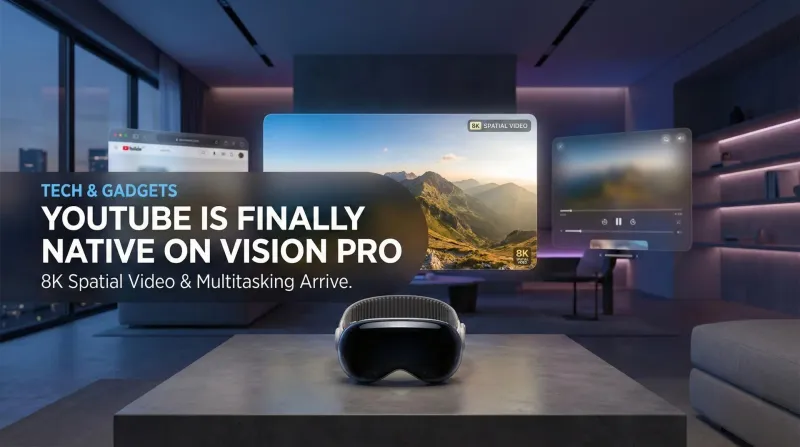
YouTube is Finally Native on Apple Vision Pro: Here is Why It Changes Everything
No more Safari workarounds. Google has finally released the native YouTube app for visionOS. Here is a breakdown of the 8K, 360°, and multitasking features.
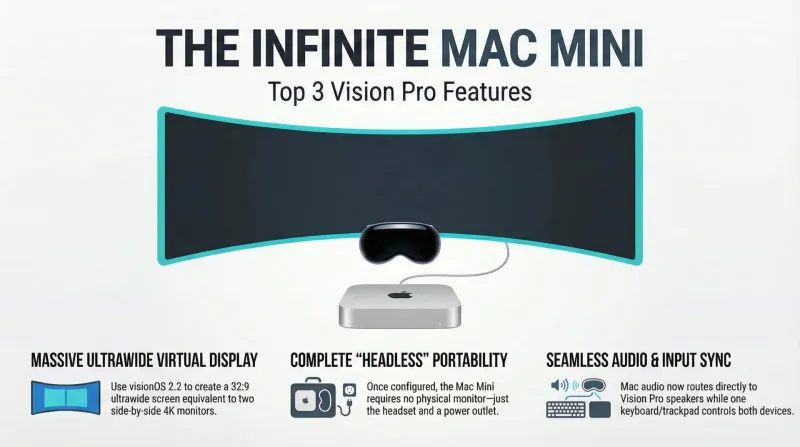
Spatial Computing at Home: The Dadnology Guide to Mac Virtual Display
Ditch the triple-monitor clutter. Learn how to turn your Mac Mini into a 100-inch virtual workstation using the Apple Vision Pro.

Apple Vision Pro 2 Is Here — Why It Matters for Dads and Families
Dadnology’s take: Vision Pro 2 looks like the first headset to truly blend cinema-quality visuals with a practical, portable workspace. We haven’t tested it yet, but early reports of sharper micro-OLED panels, smoother motion, and a more comfortable band align with what our audience wants for movie nights, short gaming bursts, and photo pre-edits. As Meta Quest 3 owners, we’re excited to compare clarity and text legibility once units arrive and then publish a full, hands-on review based on testing.